An app to help you stream anywhere
StreamChamp: Streaming App, or simply StreamChamp, is a freemium multimedia tool that allows you to stream on any platform. You can use it to host a live stream on popular sites like Twitch, YouTube, and Facebook even while you're on the go. It's pretty easy to use once you've signed thanks to the app's clean user interface.
Top Recommended Alternative

Additionally, StreamChamp offers many features that will easily help you set up your live stream session. However, the overall quality of the stream's video and audio highly depends on the device you will use and the environment where you will be streaming.
For a high-quality and personalized stream
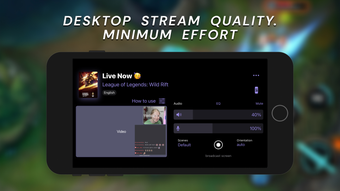
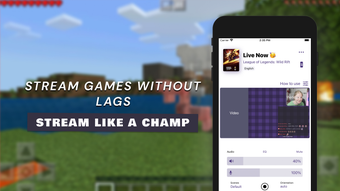
Whether it's a spontaneous gaming session or doing an in-real-life stream, StreamChamp is there to help you get started. It helps you to have a high-quality stream with a resolution of up to 1080p. This app also gives you complete control over the orientation of the video as well as the volume of your mic. You can even connect and control your webcam through the app.
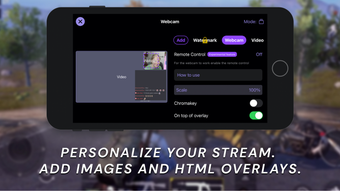
What's more, you can add your custom background to make your stream easier to recognize for your viewers. The app also allows you to add overlay, text, and images straight from your device. Other customization options include removing the app's watermark, adding a custom video placeholder, and enabling turbo mode for slow connections. However, these additional features are only accessible if you purchase the app's premium subscription.
Note that the app will need authorization for various commands in your account including managing and editing your channel's broadcast configuration, reading the stream key, and viewing and sending live stream chat and room messages. An issue that is likely to occur is your stream going dark and showing a black screen all of a sudden. This can be fixed by restarting the stream, which is a hassle especially mid livestream.
Your companion for impromptu and OTG streams
StreamChamp is the ideal companion for on-the-go or spontaneous streaming sessions. Its clean interface makes it easy to use, even for first timers.The app also gives you full control over most of the technical aspects of your stream, from the orientation and volume to the overall layout of the video elements on the screen. However, there may be instances when the stream crashes and you'll have to restart it.